Consider where the drive travels
A backup disk may contain more personal information than the laptop currently does, including old documents and deleted versions. If it travels in a bag or is stored outside the home, encryption can reduce the consequences of someone obtaining the device. It does not stop the disk failing, and it does not replace another copy.
Choose a method that the computers you may need for recovery can actually use. Whole-drive encryption and an encrypted backup archive are different arrangements. The first protects the device's contents as a volume; the second depends on the backup program and its archive format. Check supported operating systems and recovery tools before committing the only backup to either approach.
Keep the unlocking information separate
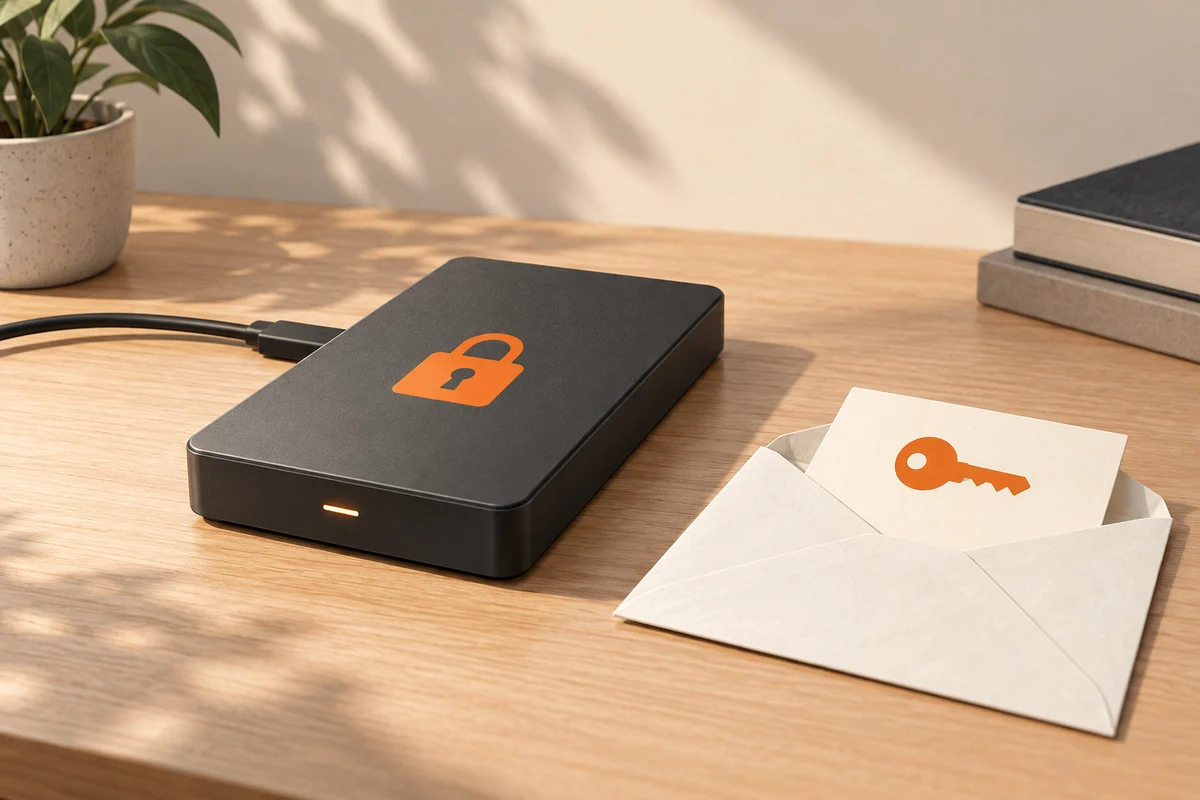
Use a strong, unique secret and store the required recovery information outside the original computer. A password manager may help, but consider how you would access it if that computer and its signed-in browser were unavailable. A secure printed recovery record can be useful when stored separately from the drive.
Do not leave the password on a label attached to the disk. Conversely, hiding the only recovery key so well that nobody can find it defeats the backup's purpose. The arrangement should protect against casual access while remaining understandable to the person responsible for restoring the files.
Test unlocking the backup from another suitable computer if possible. Then restore a disposable file to a separate folder. This checks more than remembering the password: it establishes that the necessary application, permissions and archive files are available. Avoid exposing private contents on a borrowed or untrusted machine.
Encryption has boundaries
Once a drive is unlocked, applications with access to it may be able to read or change its files. Encryption is principally protection for stored data when locked; it is not a universal barrier against malware running in an authorised session. Disconnecting an offline backup after use can provide a different kind of separation.
When changing passwords or moving to another backup tool, verify the new recovery route before discarding the old credentials. Preserve keys associated with older encrypted archives for as long as those archives are retained. An orderly record of which key belongs to which backup prevents a later collection of unreadable but perfectly intact files.
Check who needs access during an absence
If one person maintains the household backup, decide whether another authorised person needs a way to recover essential files. This does not mean writing the password on the drive. It means choosing a separate, controlled place for the unlocking information and explaining how it can be obtained when necessary. A backup that protects against theft but cannot be opened by anyone when the usual administrator is unavailable has an unresolved access problem.
Test the arrangement with a small non-sensitive file. Lock or disconnect the backup as the tool requires, then follow the documented recovery route rather than relying on a password already remembered by the current computer. Confirm that the recovery application, credentials and storage connection are all available. Keep the test narrow; there is no need to expose the whole private archive to prove that the process works.
Changing the password or recovery method should trigger an update to the separately stored instructions. Remove obsolete copies securely where appropriate, but keep the current verified route available throughout the change. Treat access information as part of backup maintenance, not as a one-time detail that can be forgotten after setup.